How to Compress Photo for DS-160
US Visa Application 2025
Last updated May 2026 · By the CompressTo20KB Team · 5 min read
Quick answer: Use our free compressor above — compress any image to your target size in seconds, directly in your browser. No upload, no account, no watermark. Supports JPEG, PNG, WebP, and AVIF.
Key Takeaways
- All compression happens in your browser — images never leave your device
- Supports JPEG, PNG, WebP, AVIF — convert between formats in one click
- WebP saves 25–50% file size vs JPEG at the same visual quality
- No file size limit, no account required, 100% free
- Use the quality slider to find the sweet spot between size and sharpness
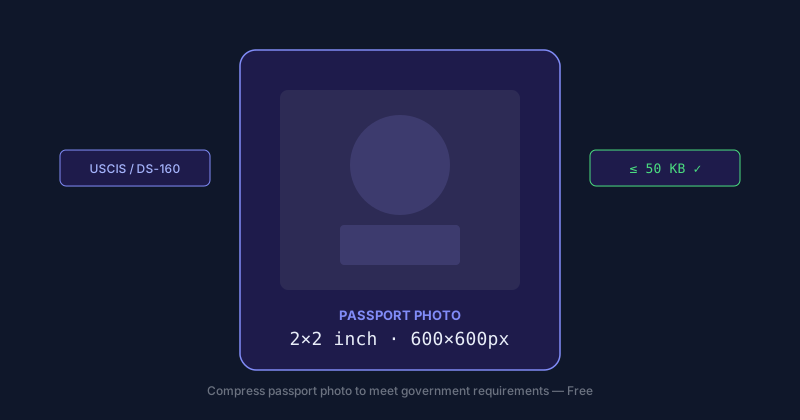
The DS-160 portal at ceac.state.gov requires a JPEG photo under 240KB. Many applicants get rejected because their photo is too large. Here is the complete guide to compress your photo in under 60 seconds.
"Compress images to the smallest possible file size without sacrificing quality." — Google PageSpeed Insights
Step-by-Step: Compress Photo for DS-160
Compress Your DS-160 Photo (Free)
Pre-set to 200KB JPEG — safely under the 240KB DS-160 limit. Files never leave your browser.
FAQ
❓ What is the DS-160 photo size requirement?
The DS-160 requires a JPEG photo under 240KB, at least 600×600 pixels, with a white or off-white background. The head must occupy 50–69% of the image height.
❓ Why does DS-160 reject my photo?
Common reasons: file over 240KB, wrong format (not JPEG), low resolution, colored background, or glasses. Use our tool to compress to 200KB JPEG automatically.
❓ Can I use the same photo for DS-160 and passport?
Yes, if it meets both requirements. US passport and DS-160 use the same specs: 2×2 inches, JPEG, white background, under 240KB.
❓ How long does it take to compress a photo for DS-160?
Under 30 seconds. Upload your photo, the tool pre-sets to 200KB JPEG, click Compress, and download.
❓ Is ceac.state.gov the official DS-160 portal?
Yes. The official DS-160 application is at ceac.state.gov. Do not use third-party sites that charge fees for a free government form.
Related guides:
We build tools and guides for compressing images to exact file-size targets for government forms, visas, and everyday use.